First, ask for ideas
Give me some ideas for creating 5 second animation videos with Lemo-Opuscar skill
Review the suggestions and choose the ones that fit your audience.
Atheef asked Claude for five-second animations. Explore five different results, copy the two messages he used, then adapt the bonus prompts to your business.
If you want to develop as an AI leader, join a community of people learning to apply AI, share what works, and lead change in their teams and businesses.
Atheef used these messages for Ailutions. Paste them into Claude Code after installing Lemo-Opuscar. The first prompt generates ideas; your five results may differ from the examples below.
Give me some ideas for creating 5 second animation videos with Lemo-Opuscar skill
Review the suggestions and choose the ones that fit your audience.
Make me these videos with Lemo-Opuscar skill
Ask for adjustments to the message, timing and brand look before you publish.
The plugin runs inside Claude Code. The guide recommends Node 20+, FFmpeg and Python 3.11+ (or uv). Its makers describe a full film as a substantial render, often 30–60 minutes, so start with a short clip.
claude plugin marketplace add lemomo-ai/lemo-opuscar
claude plugin install lemo-opuscar@lemolabclaude plugin marketplace add lemomo-ai/lemo-opuscar claude plugin install lemo-opuscar@lemolab
See the official plugin repository ↗ for current installation instructions and requirements.
These are frames from the guide’s example videos. The style names come from the Lemo-Opuscar library.
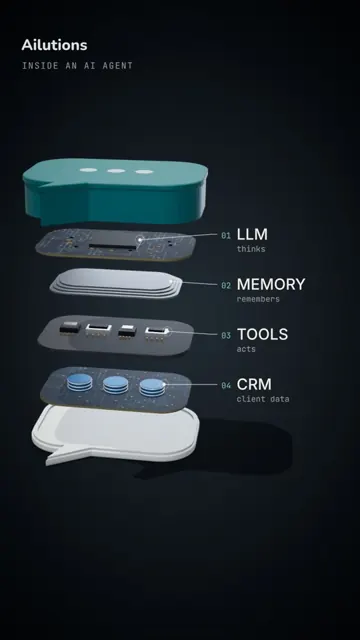
A chat bubble opens to reveal its labelled parts, then snaps shut.
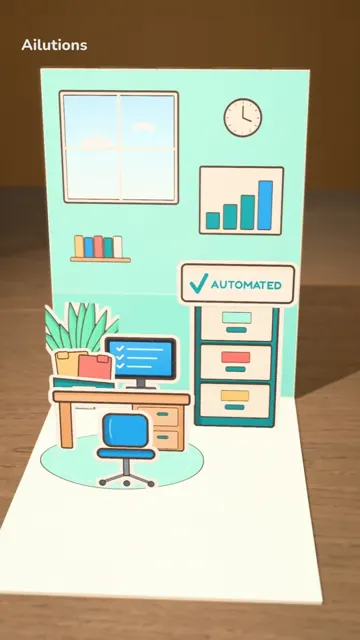
A “Manual Work” page opens and a tidy office pops up.
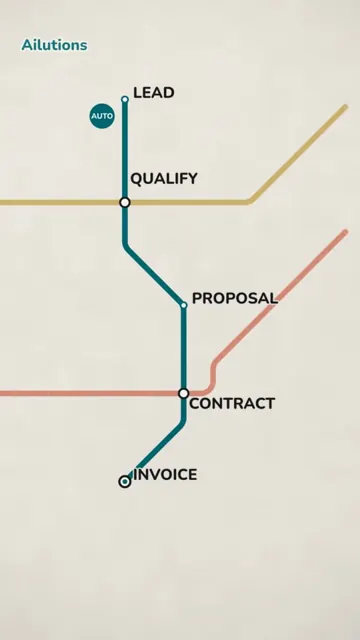
A sales journey appears as a metro line, stop by stop.
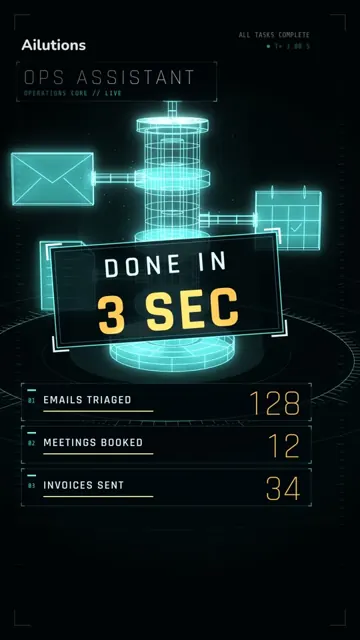
A glowing machine works through inbox, calendar and billing.
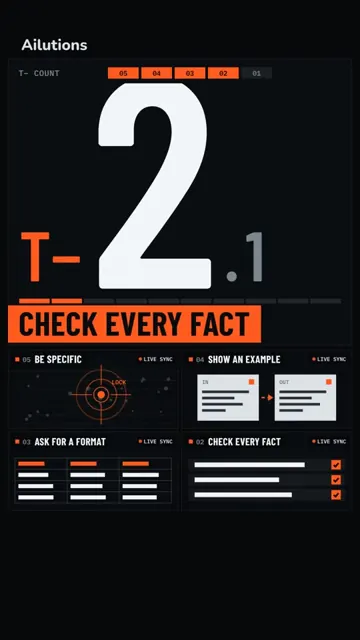
A countdown from five, with one tip landing on each number.
Replace the brackets with your own product, customer, actual numbers and visual assets. Begin with the business ideas prompt if you do not yet know what to make.
I run [your business] for [your customers]. Give me 5 ideas for 5 second small ads with Lemo-Opuscar skill. For each idea, tell me the library style, the one message, and the last line on screen.
Make idea [number] as a 5 second vertical ad with Lemo-Opuscar skill, 1080x1920. Put my logo at the top left: [logo file]. Keep all text in the middle of the frame so Instagram buttons do not cover it.
Make a 5 second vertical ad in the Exploded Teardown style. Open up [your product or service] to show its 4 main parts, label each one, then close it again. End on [your brand name].
Make a 5 second vertical ad in the Paper Pop-up Book style. A closed page shows the words [your customer's problem]. It opens, and [the result you deliver] pops up. End on [your brand name].
Make a 5 second vertical ad in the Transit Map style. Draw my process as one line with 5 stops: [stop 1, 2, 3, 4, 5]. Light up each stop in order and end on [the final result].
Make a 5 second vertical ad in the Sci-fi Hologram HUD style about [what your product does]. Use only these real numbers: [your numbers]. Do not invent any figures.
I want to change the Swiss Motion Graphics style into my own version. Use my colours [hex codes], my font [font name] and my logo [logo file]. Keep it as my style so I can reuse it.
Make a 30 second vertical ad in the [style name] style for [your product]. The message is [one sentence]. The call to action is [what to do next]. Show me a storyboard first.
For results or proof points, supply your own verified numbers and inspect every on-screen claim.
Keep text clear of interface overlays, watch the clip at phone size, and check that its final line is readable.
The first result is a draft. Ask Claude to change the wording, pace or visual style before rendering again.
It includes the prompts, five illustrated examples, setup and practical notes.